Fixing Logitech Master 3S printing key with Linux with solaar
I ran into the same on Fedora. First make sure you have Solaar installed.
- Then, in Solaar, select the keyboard in the left column.
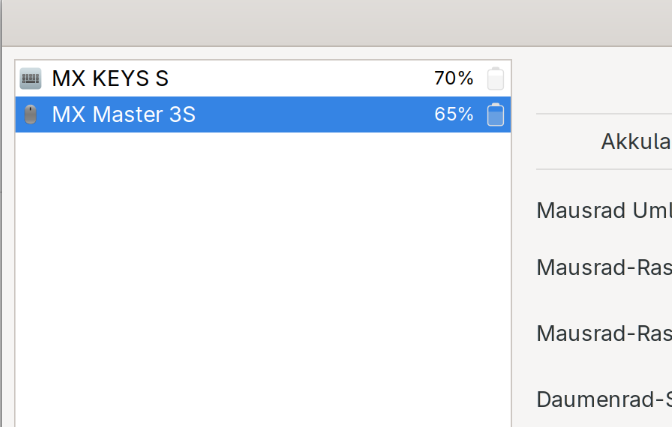
- In the right column, click the padlock icon for
Key/Button Diversionuntil it is unlocked.

- In the dropdown, select
Screenshotand changeRegulartoDiverted. - Click the padlock icon to lock it again.
- Click the
Rule Editorbutton in the lower right of Solaar. - Under
User-defined rules, right-click to insert a new rule. - Right-click the new rule, and select
Condition->Key - Specify
Screenshotas the key, keepingKey downselected. - Right-click again, and
Insert below->Action->Key press - Specify
Printas they key
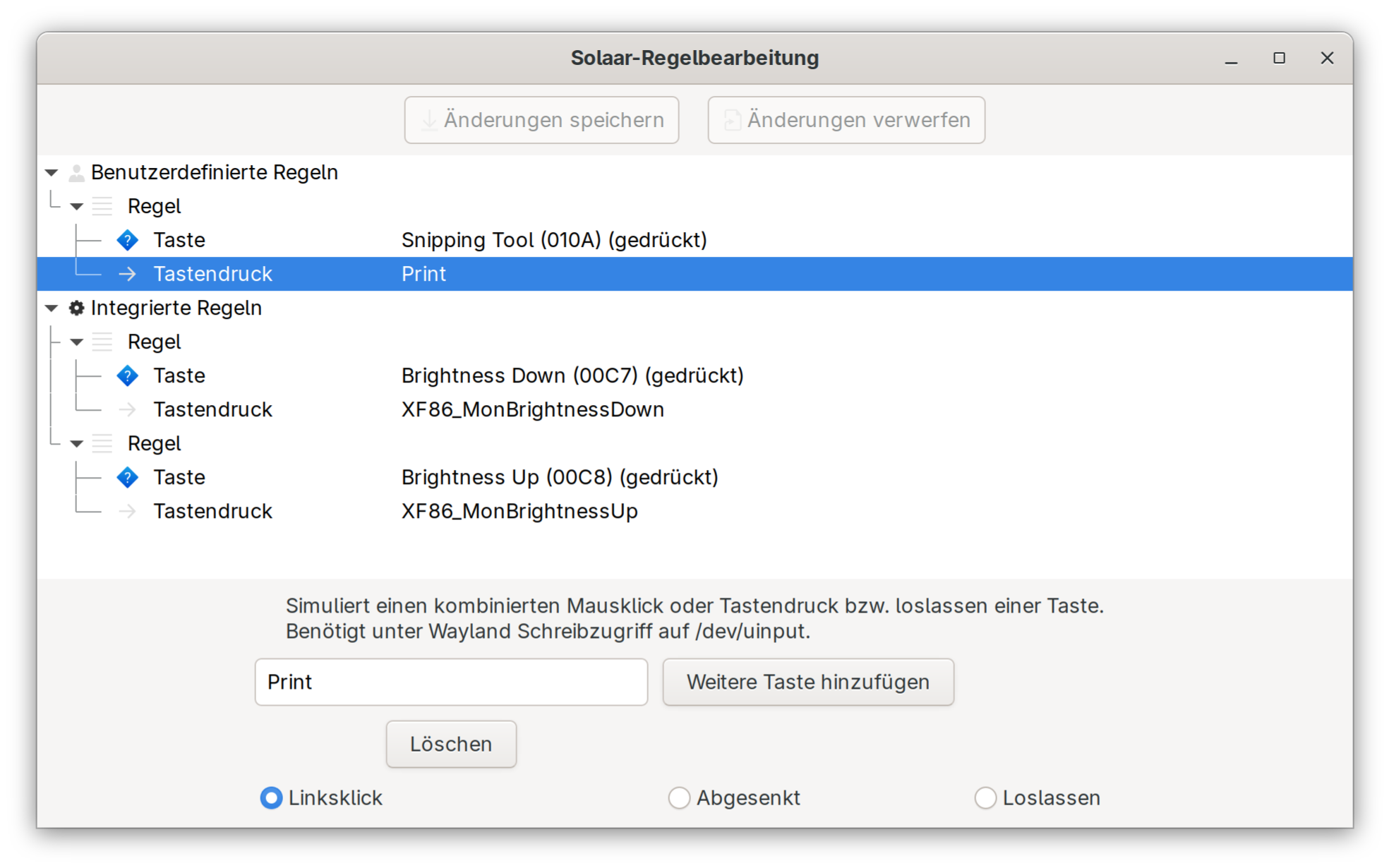
Make sure that the Key press action is after / below the Screenshot (pressed) condition, and save the changes.
This maps the Screenshot key (F7 on my MX Mechanical) to the Print Screen button, and that in turn fires the Ubuntu screenshot tool.
I have noticed that by default, that button emulates a left-shift + opt / start + s key combination, which doesn’t do anything on Ubuntu 22.04.
This post is licensed under CC BY 4.0 by the author.